VideoRemap
A downloadable plugin for Windows
Website | Documentation | Support
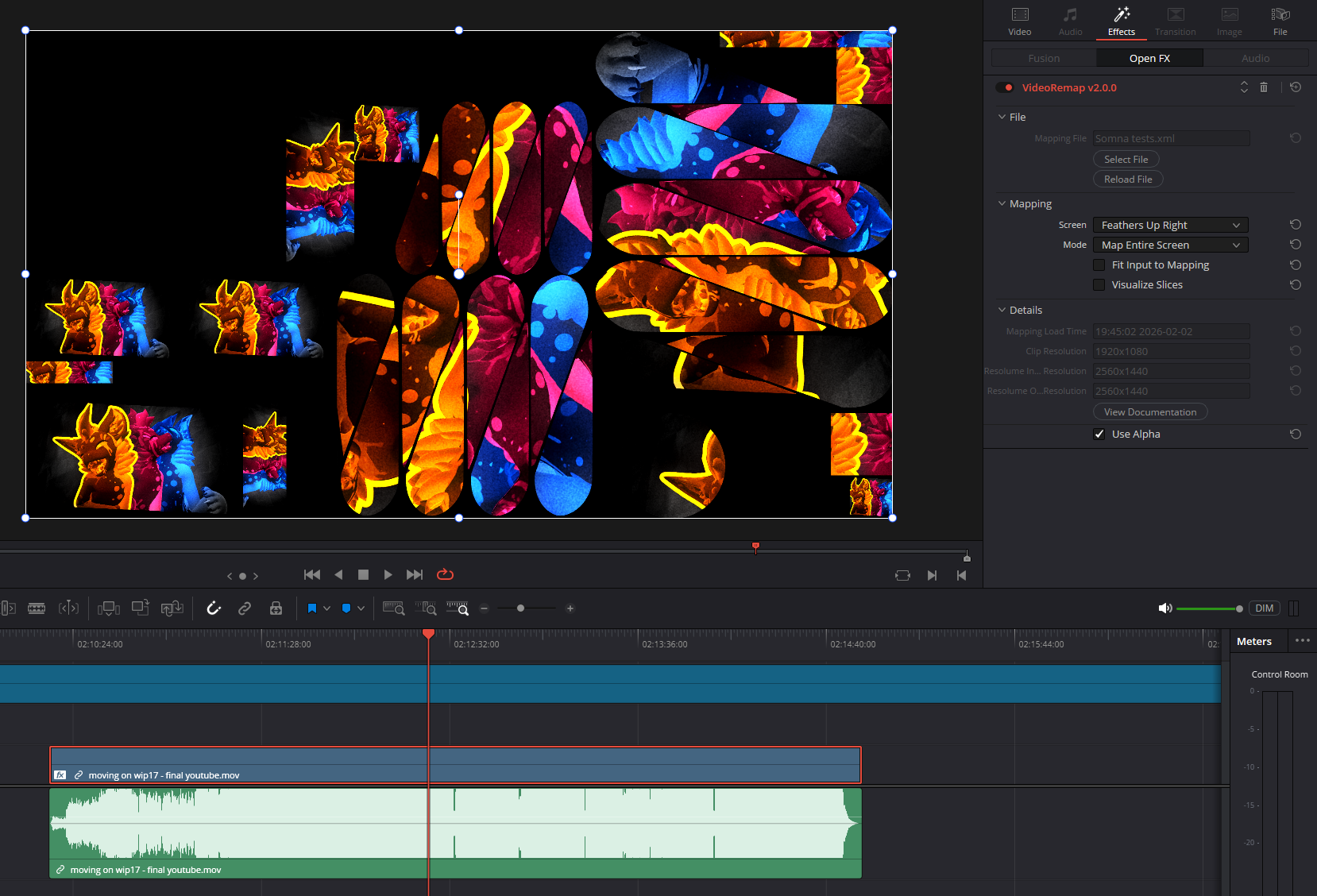
VideoRemap is a Davinci Resolve plugin that remaps clips into a different video layout as defined by a Resolume advanced output mapping.
VideoRemap lets you:
- Set up mappings in Resolume Arena using advanced output.
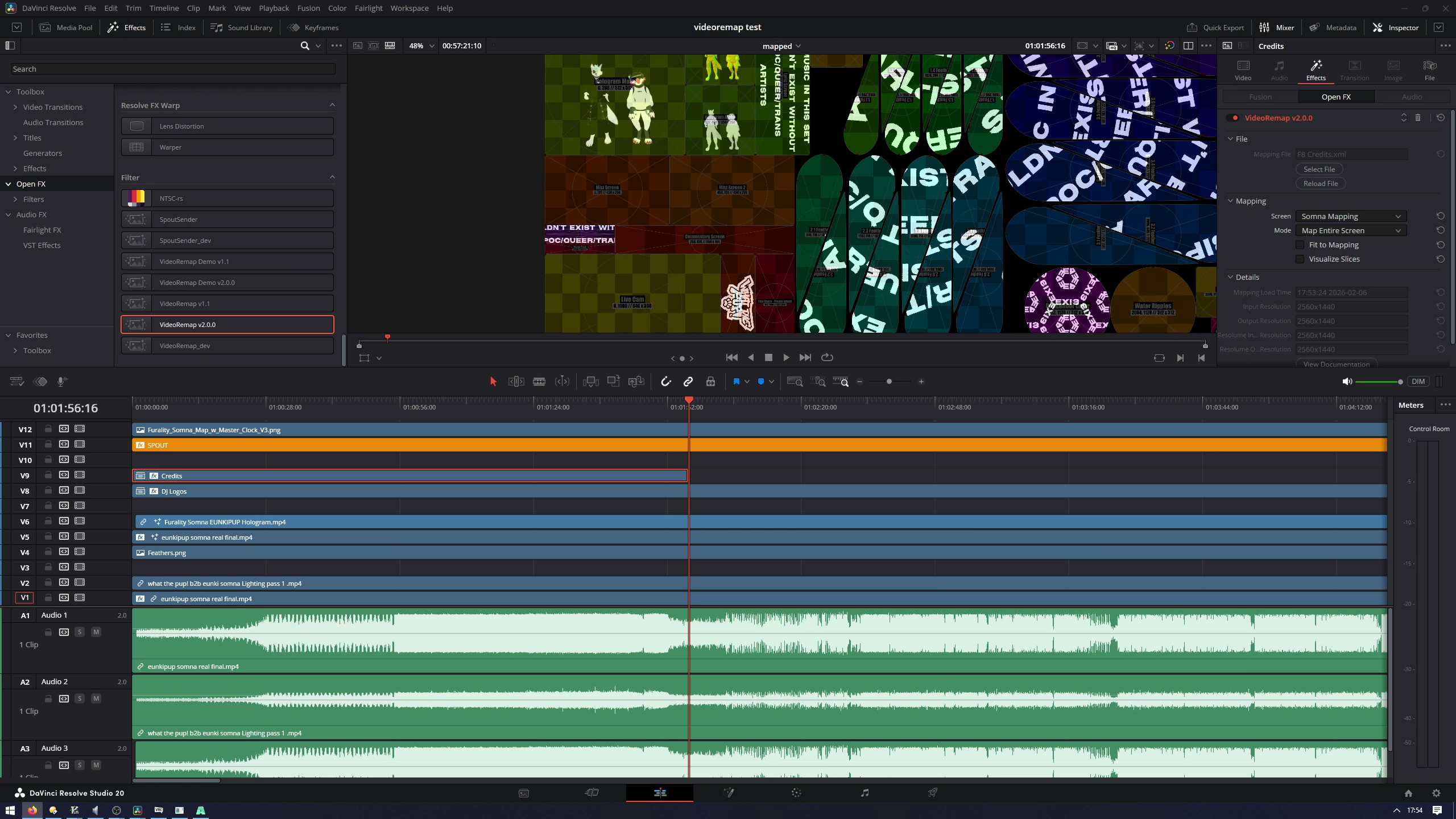
- Timecode them in Davinci Resolve using the VideoRemap plugin in timeline or Fusion clips.
- Render them offline at full speed.
Workflow 🔨
- Create an advanced output in Resolume Arena.
- Set up a clip in Davinci Resolve and add the VideoRemap effect to it.
- Load the mapping XML in the VideoRemap effect.
- Select the screen you want to map the video into.
- Done!
Feature Support ✅
You can view supported Resolume advanced output features here.
Requirements 📋
- Windows 10 and above, x86_64. (ARM is not supported)
- Davinci Resolve (either free or studio)
- ❗ NVIDIA GPU (for CUDA)
VideoRemap has its own mapping engine, so you can use it without an installation of Resolume Arena.
Demo
Please try the demo to see if VideoRemap fits your use case.
The demo is fully featured and has no time limit. All outputs will have a transparent scrolling checkerboard pattern.
Convention Staff
If you staff a furry convention, please contact `valuefactory` on Discord for a 30% discount!
Purchase
In order to download this plugin you must purchase it at or above the minimum price of $24.99 USD. You will get access to the following files:
Download demo